
ART MOCKUP GENERATOR
Turn Artwork into Professional Presentation Mockups
Upload an artwork once, preserve its proportions, and build polished presentations for listings, portfolios, collector conversations, and launches—without reconstructing every mockup by hand.
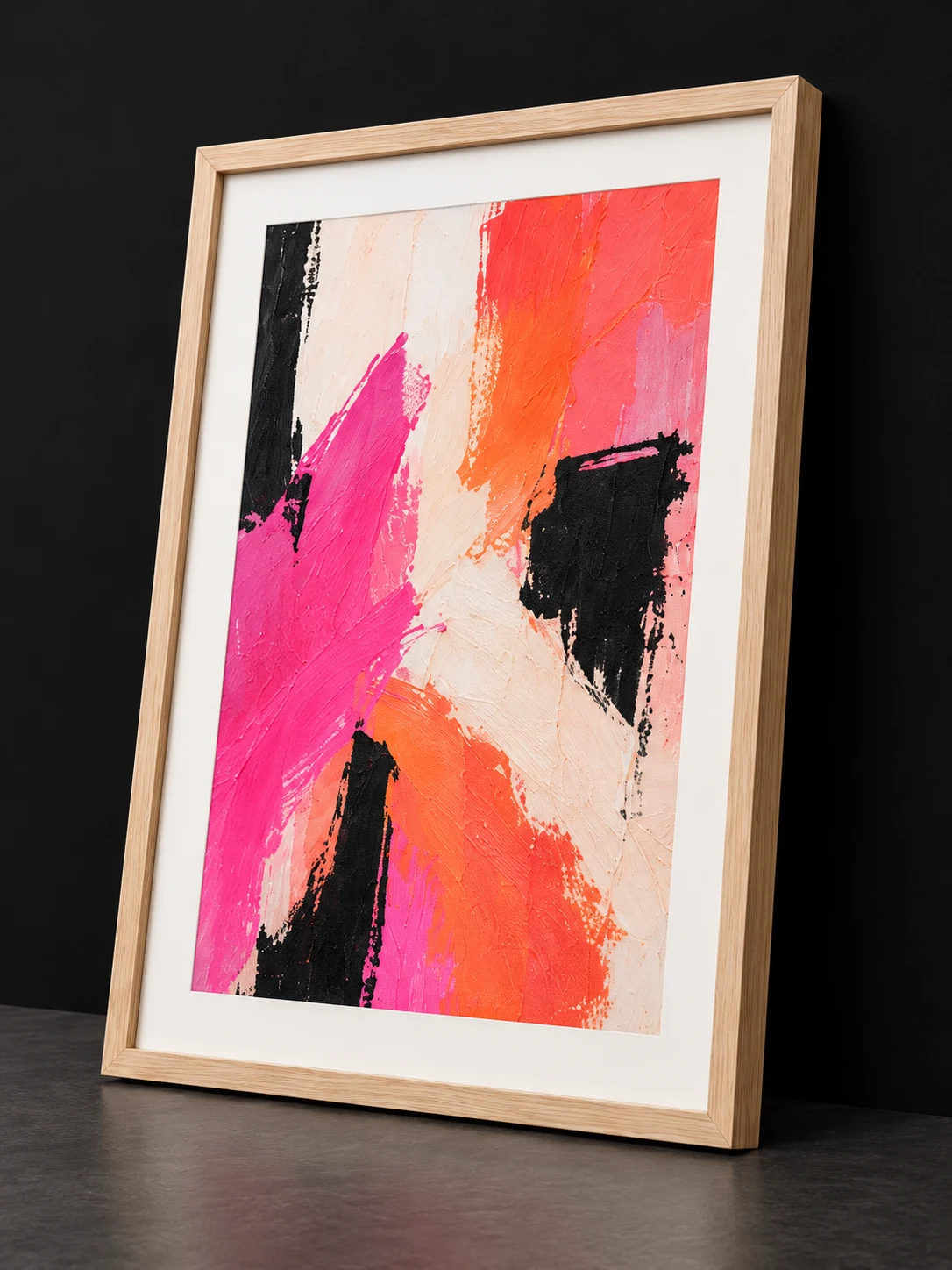
- 01PrepareArtwork and dimensions
- 02PresentFraming and visual context
- 03PublishWorkflows, Ad Materials, and Artist Studio
ARTMOXY WORKFLOW
Mockups built around the artwork
ARTMOXY starts with your source image and presentation dimensions, then lets you explore framed prints, paper editions, wrapped canvas, and room-ready compositions.
The goal is a credible presentation that supports the artwork rather than a generic template that overwhelms it.
- Frame and mat combinations
- Paper and wrapped-canvas presentations
- Portrait, landscape, square, and custom artwork proportions
ARTMOXY WORKFLOW
Move from one mockup to a complete launch
Save finished work to your Library, connect it through Workflows and Ad Materials, and publish selected presentations to your Artist Studio.
When a collector responds, the artwork and presentation context stay attached to the conversation.
- Reusable Library assets
- Campaign-ready visual exports
- Collector-facing studio presentation
PRACTICAL ANSWERS
Frequently Asked Questions
What kinds of artwork can I mock up?
ARTMOXY supports common portrait, landscape, square, and custom proportions for paintings, photography, illustrations, digital art, and print editions.
Do I need Photoshop?
No. ARTMOXY provides dedicated artwork presentation controls, while exported images can still be taken into another editor when a custom finishing step is needed.
Can I use mockups for commercial promotion?
You can use your ARTMOXY outputs to present and promote your own artwork, subject to the applicable plan and ARTMOXY terms.
START FREE
Bring the complete artwork workflow together.
Explore ARTMOXY for seven days with no payment method or subscription selection required.