
WALL ART MOCKUPS
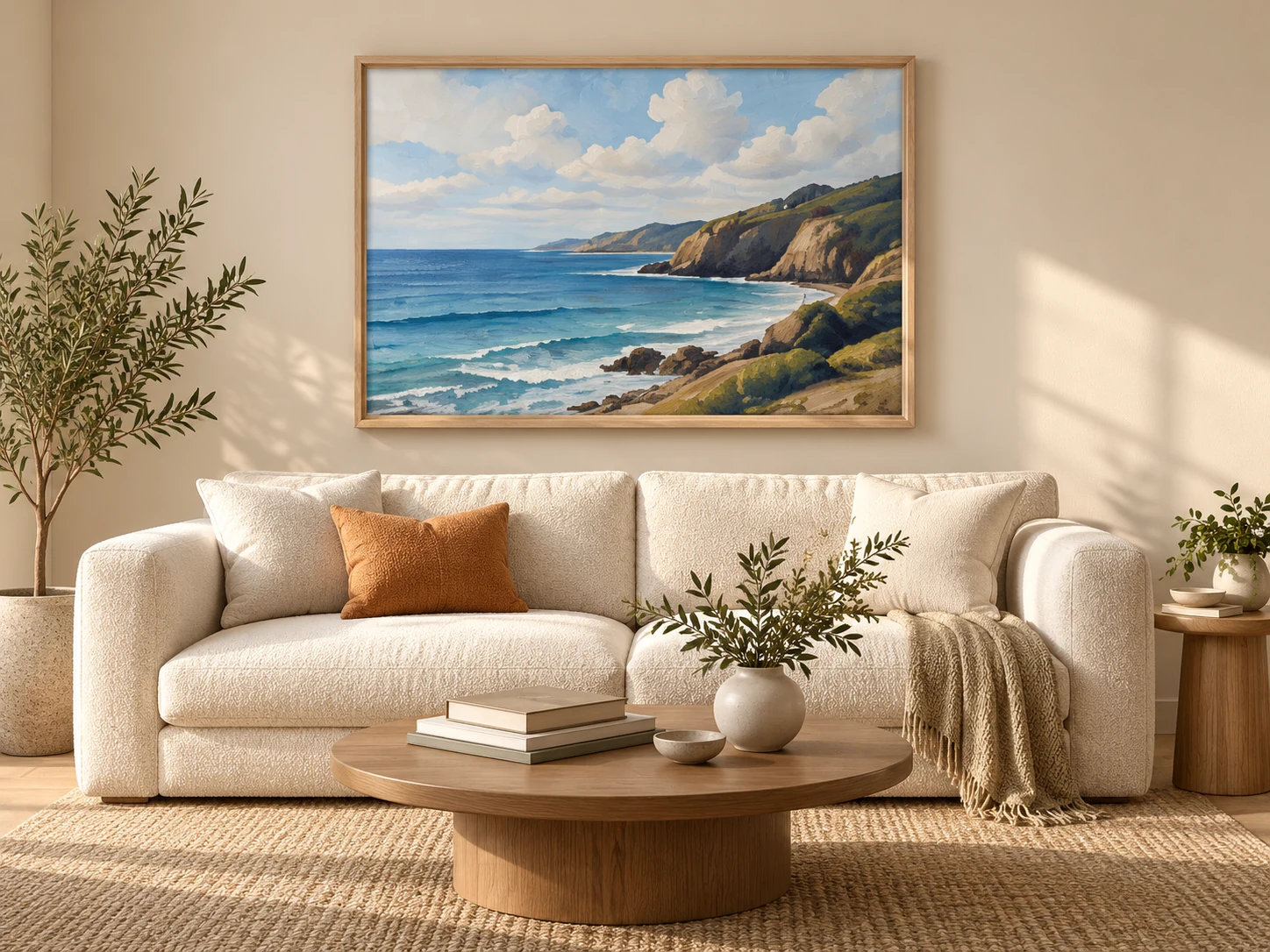
Show Wall Art with Credible Scale and Context
Help buyers understand how a piece may feel in a space. ARTMOXY combines artwork dimensions, framing choices, and room presentation tools so scale and finish communicate clearly.
- 01PrepareArtwork and dimensions
- 02PresentFraming and visual context
- 03PublishWorkflows, Ad Materials, and Artist Studio
ARTMOXY WORKFLOW
Present size as part of the story
A strong wall mockup does more than decorate a room. It gives viewers a useful sense of proportion, placement, and visual weight.
Enter the intended artwork size and keep that information connected to the presentation rather than scaling by eye.
- Physical artwork dimensions
- Frame, mat, paper, and canvas context
- Room compositions for buyer confidence
ARTMOXY WORKFLOW
Prepare consistent listing imagery
Use repeatable presentation choices across a collection so a shop or portfolio feels intentional.
Create hero imagery, supporting room views, detail-focused frames, and campaign visuals from the same artwork record.
- Consistent collection styling
- Multiple presentation formats
- Exports for listings and social campaigns
PRACTICAL ANSWERS
Frequently Asked Questions
Can wall art be shown at a specific size?
Yes. ARTMOXY supports explicit artwork dimensions so the presentation can be based on the intended physical size.
Can I add a frame and mat?
Yes. The Framing Studio includes frame and mat presentation controls, along with paper and canvas workflows.
START FREE
Bring the complete artwork workflow together.
Explore ARTMOXY for seven days with no payment method or subscription selection required.