
VIRTUAL FRAMING TOOL
Explore Frames and Mats Before You Present
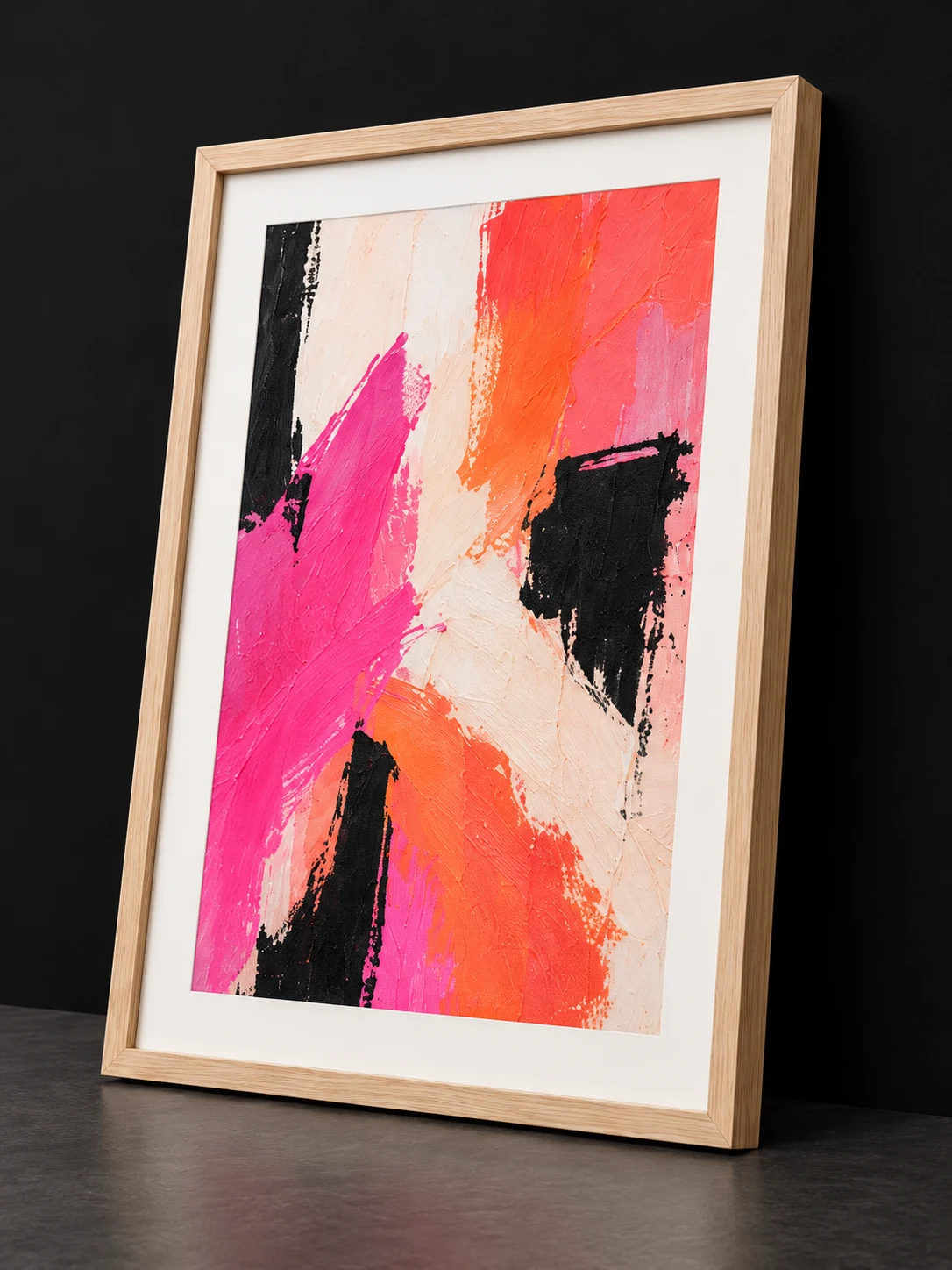
Test how framing changes the character of an artwork before committing to a presentation. MoxyFrame brings frame, mat, crop, surface, and physical sizing decisions into one focused workspace.
- 01PrepareArtwork and dimensions
- 02PresentFraming and visual context
- 03PublishWorkflows, Ad Materials, and Artist Studio
ARTMOXY WORKFLOW
Make framing decisions visually
Compare profiles, finishes, mat colors, borders, and artwork crops while keeping the original image available for revision.
Physical dimensions and material choices remain part of the saved presentation, helping later exports stay consistent.
- Frame profile and finish choices
- Mat color, border, and reveal controls
- Paper, canvas, crop, and sizing settings
ARTMOXY WORKFLOW
Carry the framed result into the workspace
A finished framing study can become a Library presentation, Ad Materials asset, room preview, or published Artist Studio image.
That connected path keeps the visual decision useful beyond the framing screen.
- Save to the artwork Library
- Reuse in mockups and Workflows
- Publish selected views for collectors
PRACTICAL ANSWERS
Frequently Asked Questions
Is the Framing Studio available online?
Yes. Every current annual ARTMOXY subscription includes the online Framing Studio, also called MoxyFrame.
Can I use custom artwork dimensions?
Yes. Standard and custom dimensions can be used when preparing a presentation.
Does a virtual preview guarantee a physical framing result?
No. A digital preview is a planning and presentation aid. Confirm physical materials, measurements, color, and fabrication details with the chosen printer or framer.
START FREE
Bring the complete artwork workflow together.
Explore ARTMOXY for seven days with no payment method or subscription selection required.