
ARTWORK PRESENTATION GUIDE
How to Photograph and Present Artwork Online
A convincing online presentation begins before the mockup. Capture a clean source image, preserve the artwork's shape and color, record its dimensions, and build context without disguising the original piece.
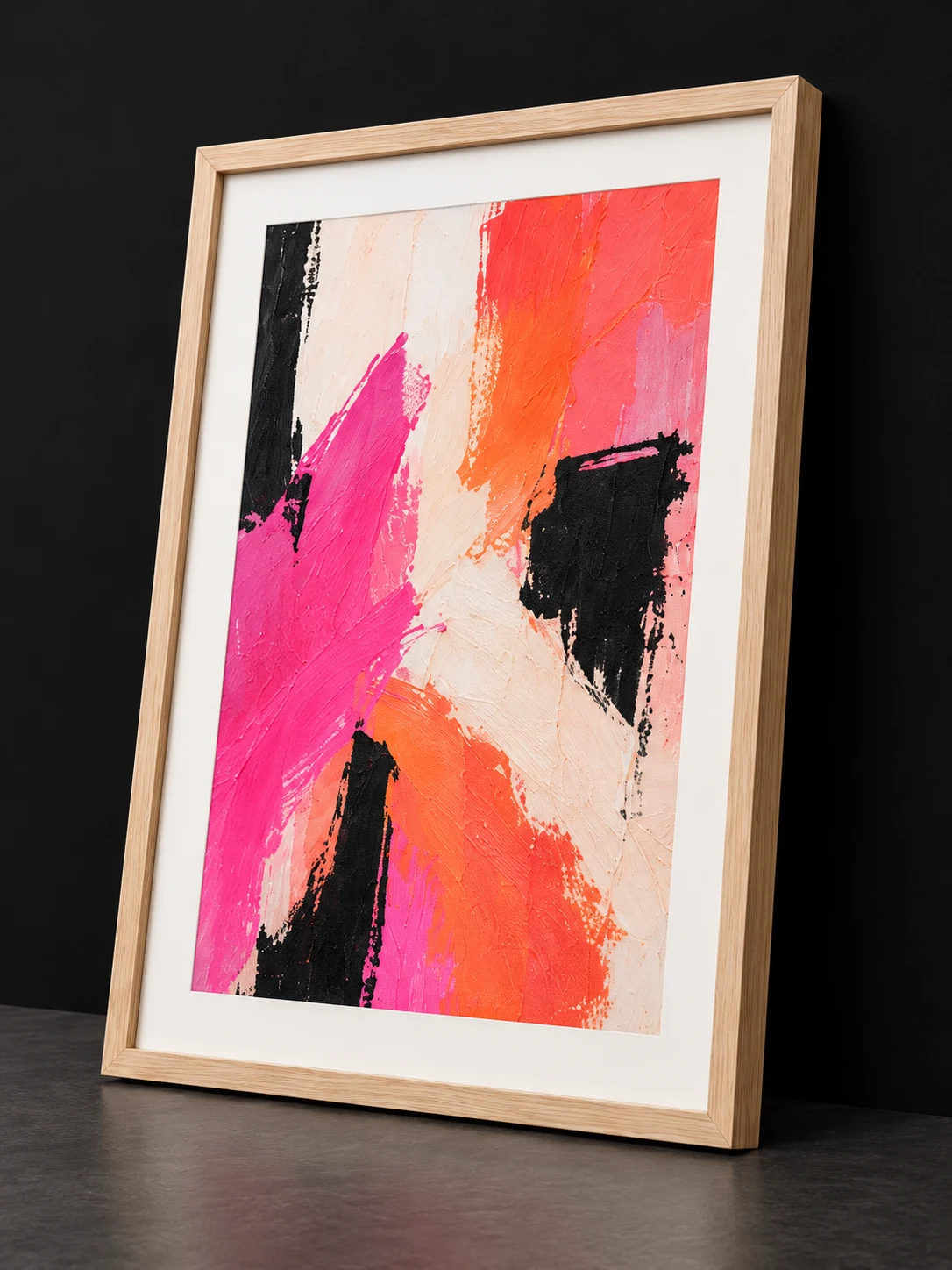
- 01PrepareArtwork and dimensions
- 02PresentFraming and visual context
- 03PublishWorkflows, Ad Materials, and Artist Studio
ARTMOXY WORKFLOW
Capture a dependable source image
Photograph the artwork square to the camera in even, neutral light. Avoid mixed color temperatures, direct glare, deep edge shadows, and wide-angle distortion.
Include a color reference when accuracy is critical, keep the highest-quality original file, and create edited derivatives rather than overwriting the capture.
- Camera parallel to the artwork
- Even light from both sides when possible
- High-resolution master with a color-managed edit
ARTMOXY WORKFLOW
Record the facts before styling
Save the artwork title, physical width and height, orientation, medium, edition information, and any frame or presentation notes.
These details support accurate crops, dimension-aware mockups, collector descriptions, and future print or framing decisions.
- Exact artwork dimensions
- Medium and edition details
- Unframed and framed presentation notes
ARTMOXY WORKFLOW
Build a transparent presentation set
Lead with the artwork, then add context: a framed view, a room presentation, a scale cue, and close details. Clearly distinguish generated or composited scenes from photographs of the physical piece.
Review the complete set on both desktop and mobile, and confirm that color, crop, orientation, and dimensions stay consistent.
- Artwork-first hero image
- Room and framing context
- Clear labeling and mobile review
PRACTICAL ANSWERS
Frequently Asked Questions
How much image resolution do I need?
Keep the highest practical source resolution. Required output resolution depends on the intended print, crop, marketplace, and promotional channel.
Should I photograph artwork behind glass?
When possible, photograph before glazing to avoid reflections. If the piece must remain framed, control the room reflections, camera angle, and lighting carefully.
Can AI-generated room images replace real artwork photography?
No. Generated or composited context can support marketing, but it should not replace an accurate source image or be presented as a photograph of the physical artwork.
START FREE
Bring the complete artwork workflow together.
Explore ARTMOXY for seven days with no payment method or subscription selection required.